Create a new look with Dress Me AI
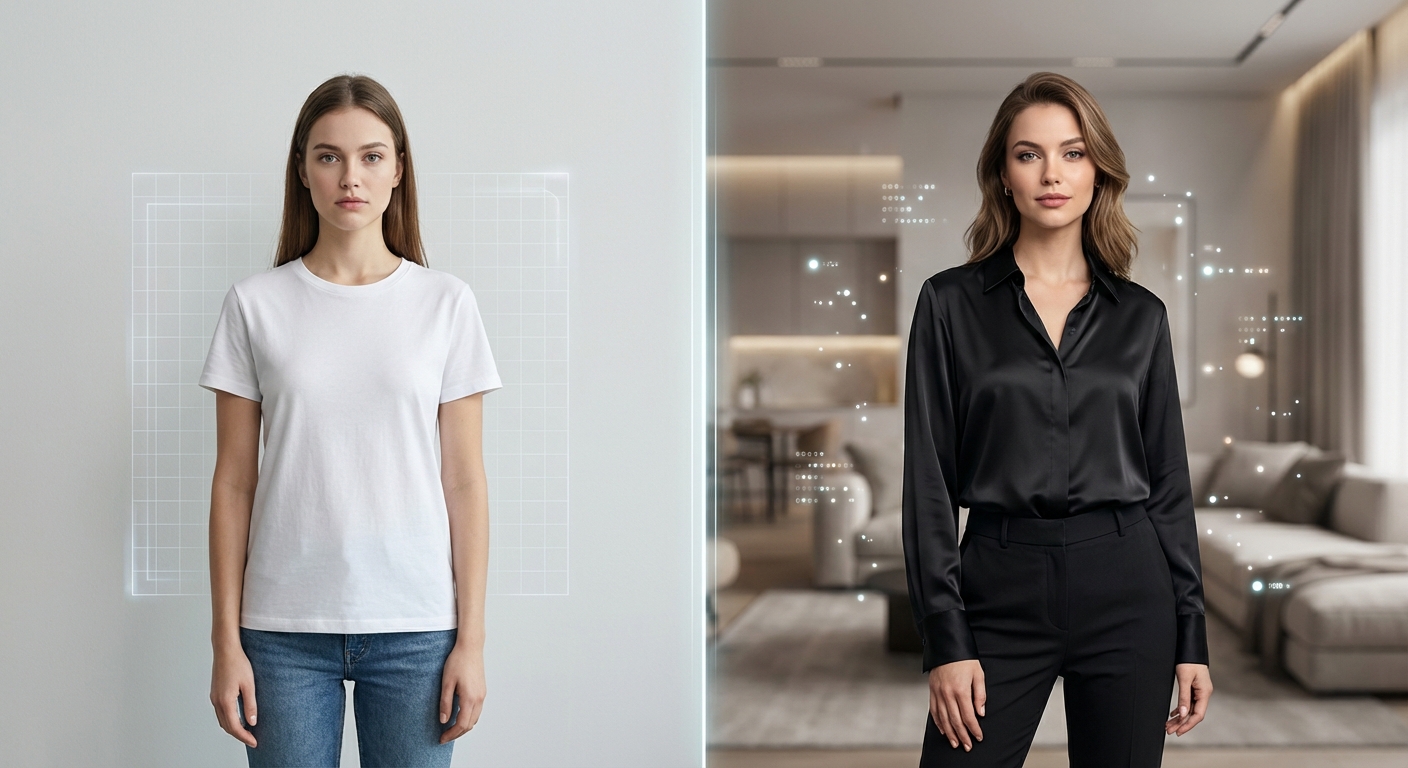
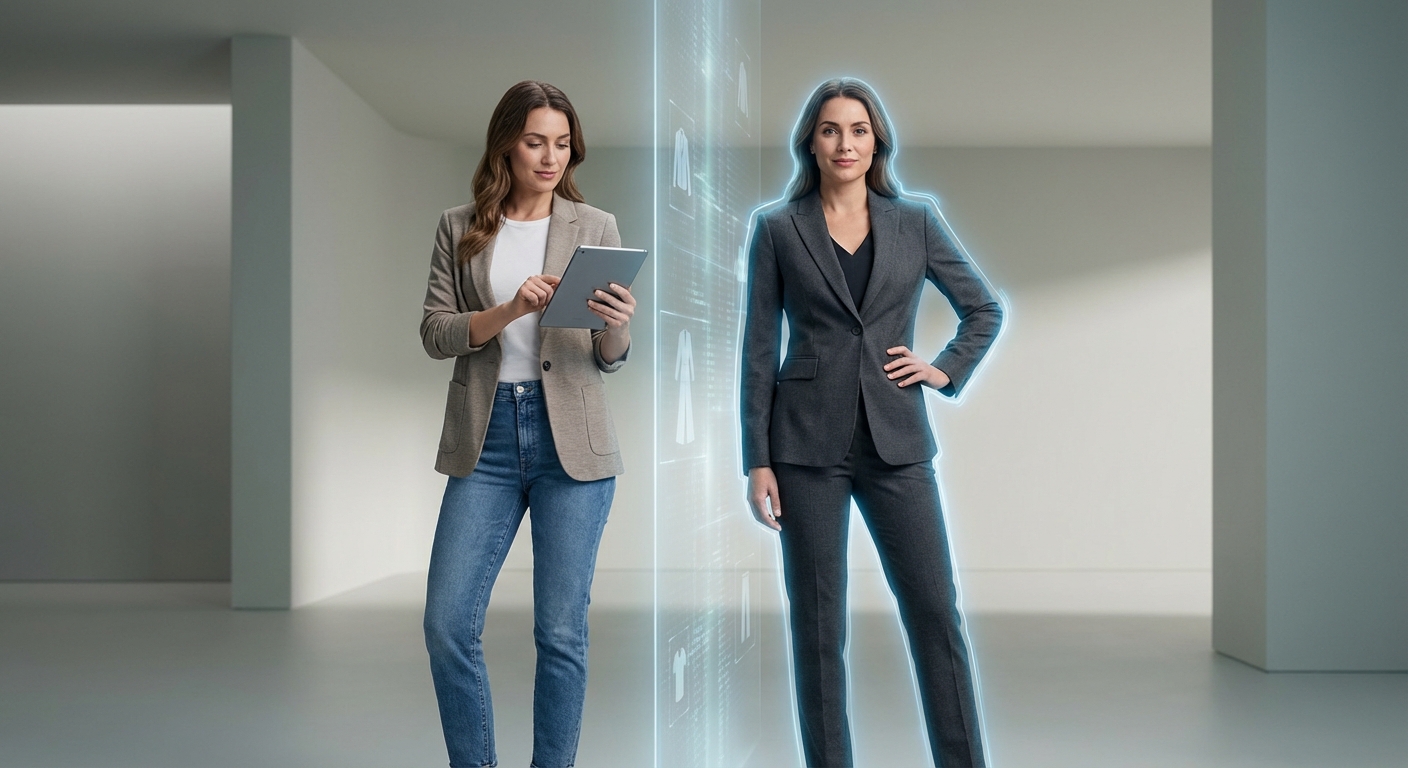
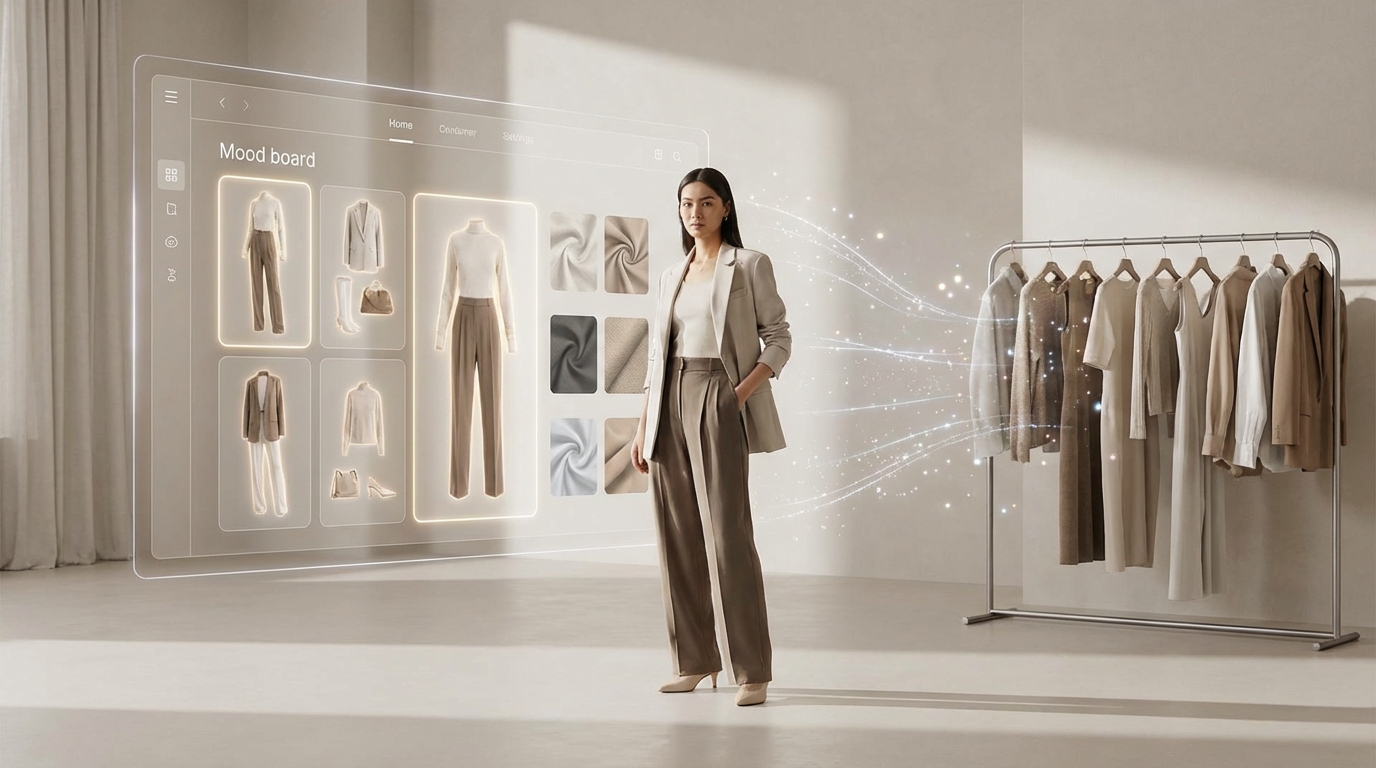
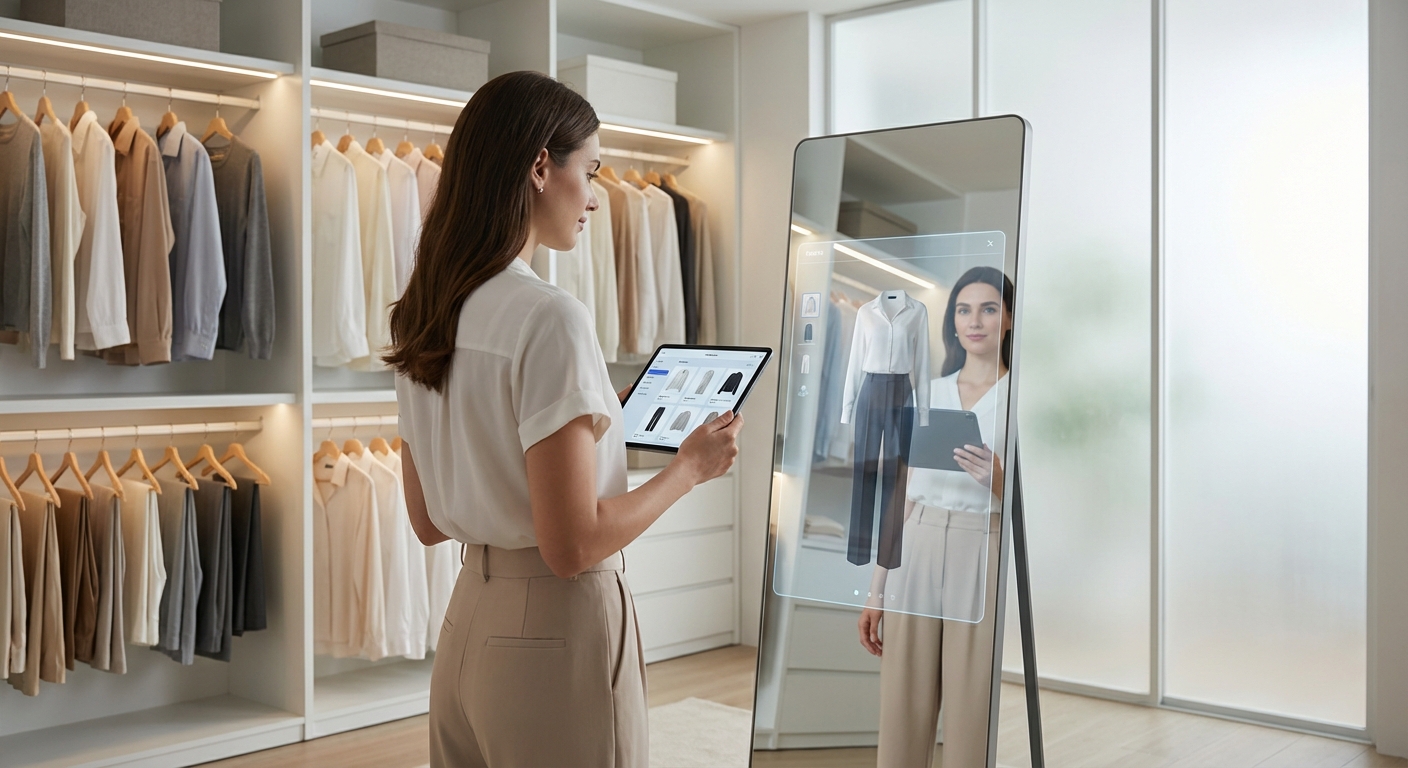
Dress Me AI starts with a photo of you and helps you explore a different outfit. Choose clothing from the collection or upload a garment reference, then generate a visual preview. The result is an AI-created image of a possible look. It is useful for trying a style idea, sharing an outfit concept, or comparing clothing choices before deciding what you prefer.
You can begin on this page without searching for a separate tool. The upload panel, clothing selection and result preview belong to the same workflow. DressMeAI is a visual outfit service, not a retailer checkout or a physical fitting measurement. Use the preview to explore appearance while keeping real product information and your own judgement in the decision.
Start with your photo, then choose clothing
Upload a clear, front-facing person photo first. If you need a plan, choose a subscription before selecting the garment. After returning from checkout, choose an outfit from the collection or upload your own clothing reference. When the inputs are ready, generate the new look. Existing users with available generations can continue directly to the clothing-selection step.
A garment reference is needed for the final preview, but you do not need both images to begin. Keep the page open while a result is processing. If you return after signing in or checking out, the site is designed to continue the photo-first flow. Check that your selected photo has been restored before starting a new job.
Choose clear person and clothing references
Use a photograph with even lighting and a clear view of the area you want to dress. A full-body photo can help for longer garments, while a visible torso may be enough for a top or jacket. Avoid strong shadows, a bag covering the clothing area, or a pose that hides much of your body. Better inputs give the model a clearer starting point.
For the garment, choose a reference that shows its colour, shape and main details. Plain backgrounds are usually easier to work with than crowded scenes. The upload panel lists supported formats and file limits, and larger inputs may be compressed. Check the selected images before generating so that an unintended photo does not become the basis of your preview.
Use the collection or bring your own clothes
The collection offers clothing references to select after subscribing. It is a starting set of outfit options, not a personalised recommendation engine that knows your measurements, shopping history or calendar. Pick a garment because you want to explore its appearance. You can upload a different clothing photo when the collection does not contain the style you have in mind.
Try one clear reference at a time and compare the resulting looks. A jacket, dress or casual top may change the feel of your photo, but small prints, seams and accessories can vary in the generated image. If a brand detail matters, compare the preview with the original garment photograph. That product image remains the source for its real design.
Treat your result as a visual preview
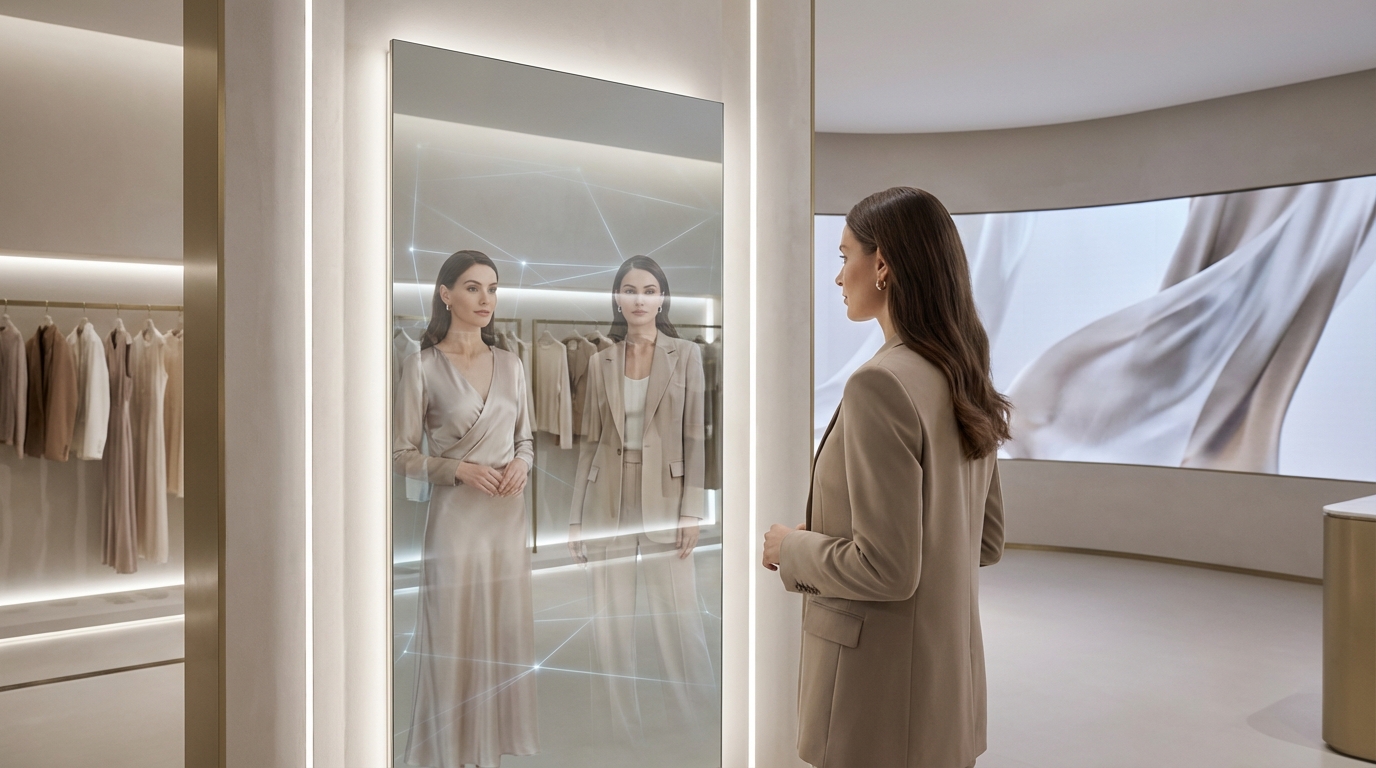
AI virtual try-on predicts how clothing might appear in an image. It does not measure your body, determine the right size to buy, or establish fabric feel and tightness. Generated folds, proportions, faces and clothing details may differ from reality. A convincing picture is not proof of physical fit, so keep size charts and actual product photographs alongside a shopping decision.
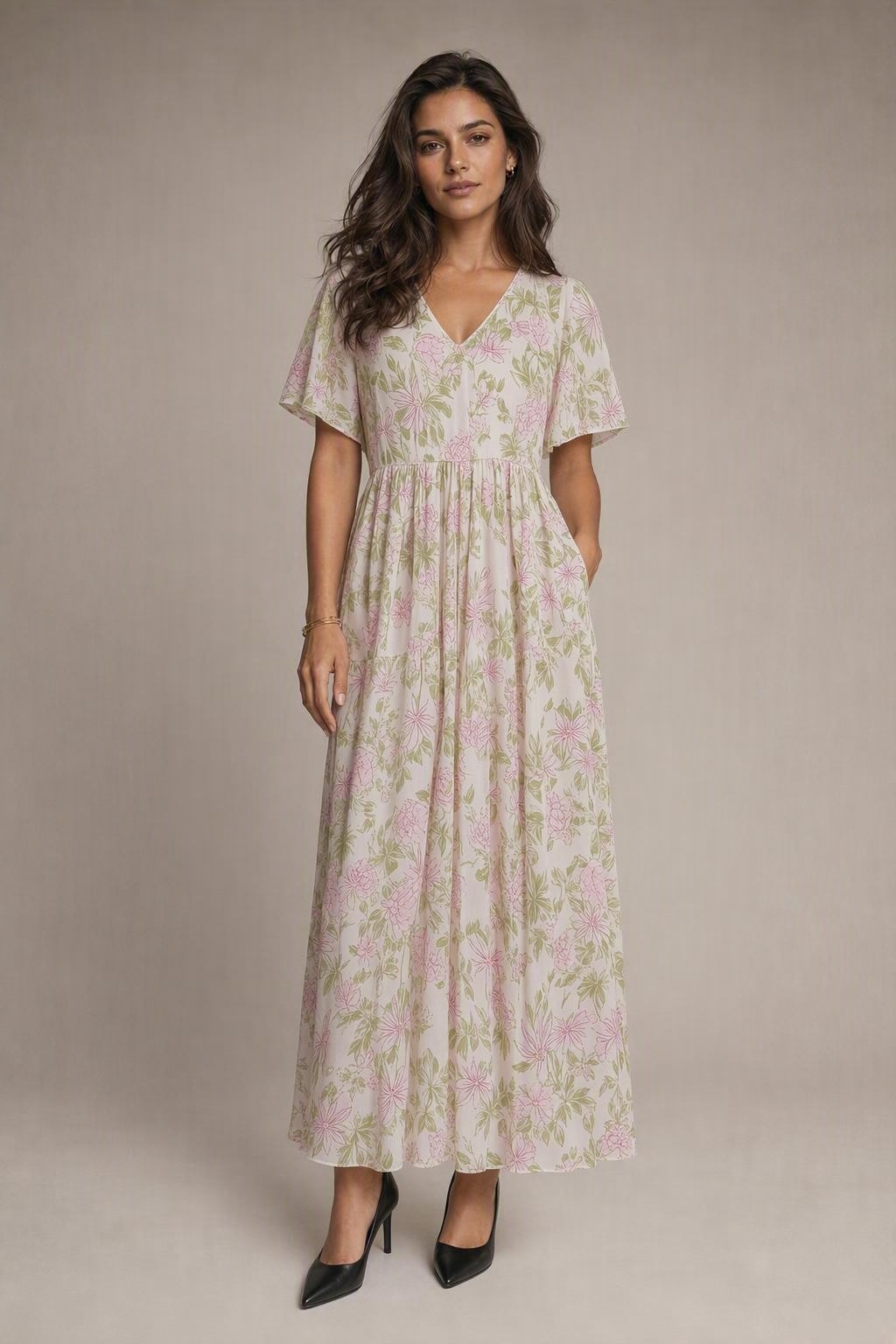
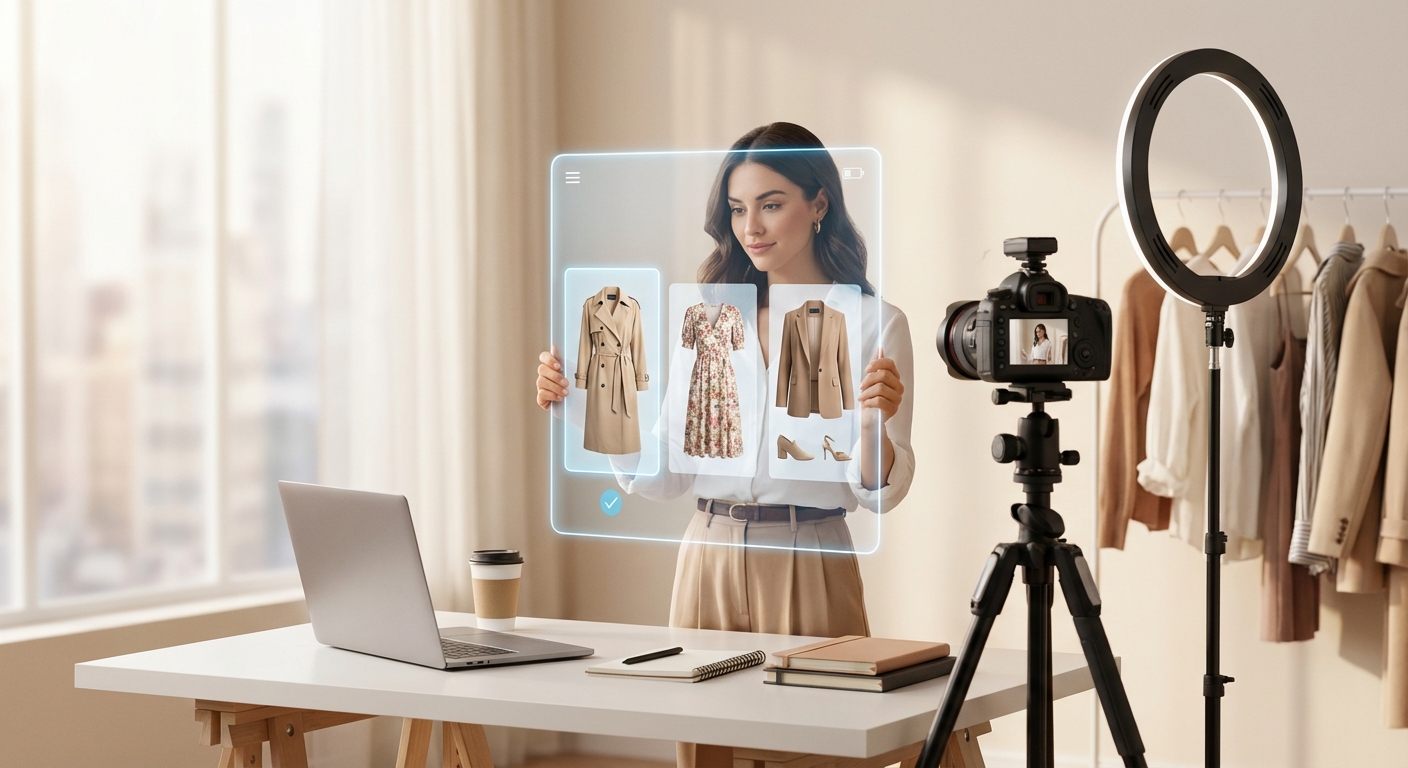
The same limitation applies when using Dress Me AI for content creation. A preview can communicate an outfit idea, but it should be described as AI-generated when that distinction matters. Examples displayed on this page are illustrations rather than results from your current upload. Your output depends on the references, pose and clothing type you select; a particular level of realism is not guaranteed.
Understand your plan and generation allowance
Current prices and generation allowances are shown in the plan interface. New paid access uses subscriptions; this page does not promise unlimited free generation. Choose a plan that fits the number of previews you intend to create, and review renewal and cancellation details before checkout. Existing balances and earlier purchases follow the account terms that apply to them.
Generating a preview uses the available allowance in your account. If a processing job fails, the site provides a credit-recovery flow instead of treating a missing result as a completed preview. Recovery can take time. Check the status and your history before sending the same request repeatedly, and use the listed contact information for billing questions or technical problems.
View, save and revisit your previews
When processing completes, view the generated look alongside your clothing reference. Use the available download option to save a preview you want to keep. Result availability, resolution and any watermark depend on your plan and the state of the result. Illustrative examples are labelled separately so that they are not mistaken for a completed job in your account.
Your history helps you return to completed previews and follow jobs still processing or recovering. This is useful if you leave the page after starting a generation. Before trying another outfit, check whether the earlier result has finished and whether an allowance is available. Exploring a few carefully chosen references is often more useful than sending many nearly identical requests.
Use photos with permission and clear expectations
Upload photos you have permission to use. Your images are processed by the service and an external AI provider to create the preview; every step does not run only on your device. Access to stored images and results is tied to your account. Read the privacy policy for current handling rules and avoid highly sensitive material that is unnecessary for an outfit preview.
Use the guides and frequently asked questions before uploading. The service supports visual outfit exploration, not identity verification, certified body measurements or guaranteed retail outcomes. Start with a suitable photo, choose clothing deliberately and evaluate the result as one reference. A clear expectation helps you decide whether a new look suits your style without confusing a generated image with a physical fitting.